

From Lightroom to the wall, from behind your desk
A desktop workflow for Samsung The Frame: build an album per series or per client on your Mac, judge crop and matte full-screen, then sync it to one specific TV. Your gallery, your photos.
- Mac
- iPhone
- iPad
- Unlimited TVs
- Frames 2017 to 2026
- Portrait mount
First 4 uploads free. You only pay after it works on your TV.
Sound familiar?
- “The shop screens still show the winter series, in April.”
- “Exporting, USB stick, walking to the TV, hoping the order survives. It’s 2008 again.”
- “I finish the selection on my Mac. Why does getting it onto a screen three meters away involve my phone and a prayer?”
- “Two screens, two audiences, client work left, personal series right, but every tool treats them as one TV.”
- “I shoot verticals for the portrait-mounted wall and everything arrives sideways.”
- “The default matte fights the series, and I can’t see the result until it’s already on the wall.”
An album per screen, per season, per client
Treat albums like collections in Lightroom: build the selection once, then sync it to a specific Frame with one button. Sync adds the new work, removes what no longer belongs, and configures the slideshow, so the screen always mirrors the album, not last quarter’s leftovers.
A real desktop workflow on your Mac
One Apple purchase covers iPhone, iPad, and Mac, so you can prep series on the machine where your library and your edits actually live, then push them to the screens from your desk. No re-exporting to a phone, no juggling AirDrop as a delivery pipeline.
Matte control you can judge before it ships
Pick from 16 real Samsung matte colors and 6 mount styles and see the full framed preview before anything is sent. Portrait-mounted Frames are supported too: uploads are rotated upright automatically, so vertical work hangs the way you shot it. HEIC, JPEG, and PNG are converted for you.
Local-first, over your own WiFi
The app talks to each Frame directly over your local network using the TV’s own art-mode API: no cloud round-trip for your images, no Samsung account required. It works with every Frame model year from 2017 to 2026, including the legacy 2017–2021 art API that trips up many apps.
The colours you shot.
On the wall.
Your phone captures richer colour than most screens can describe, and The Frame reads every photo as if it used the smaller set. Send a photo across untranslated and the colour quietly drains out of it. Frame Photos converts every photo first, so what the TV expects is what it gets.
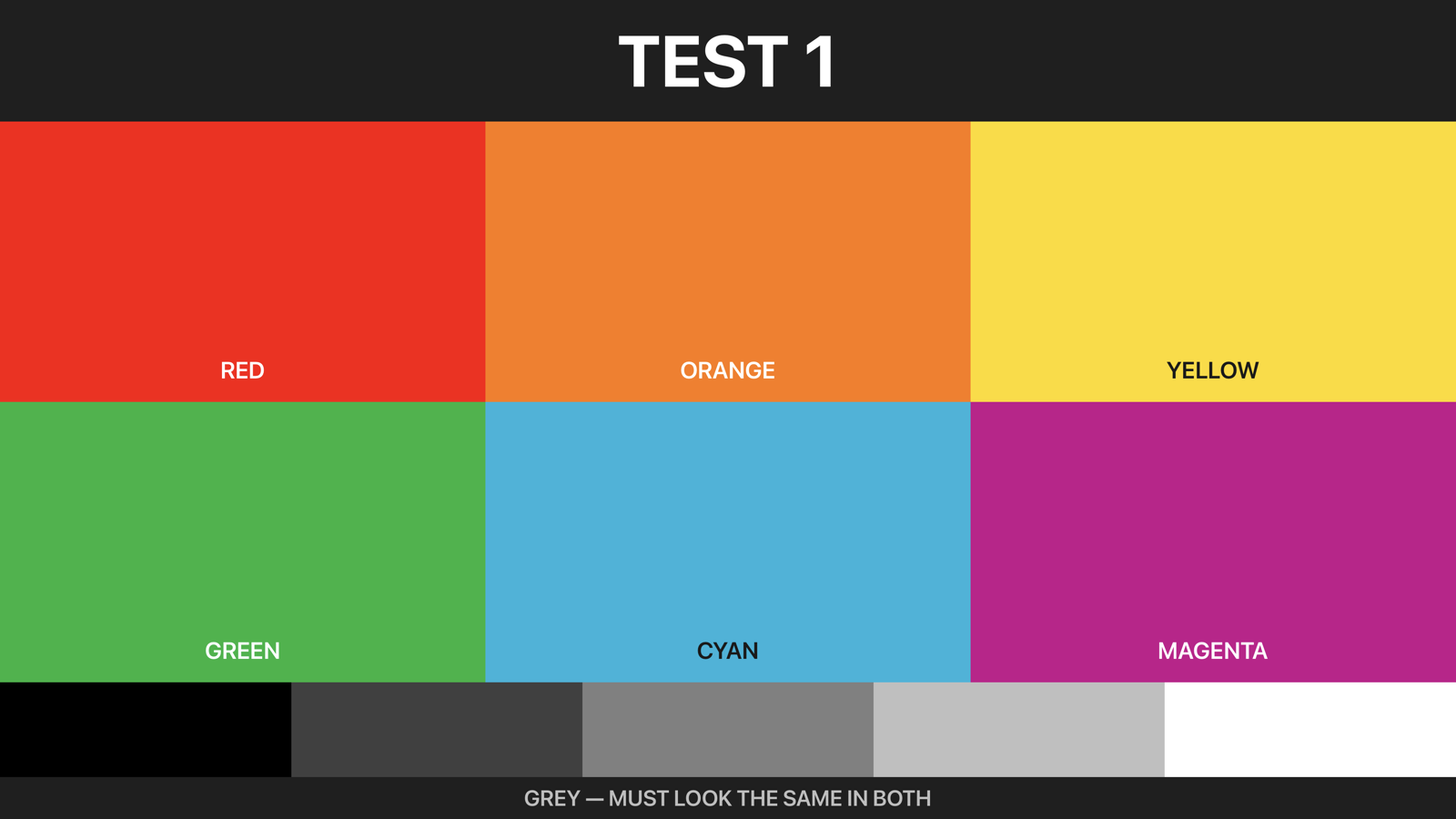
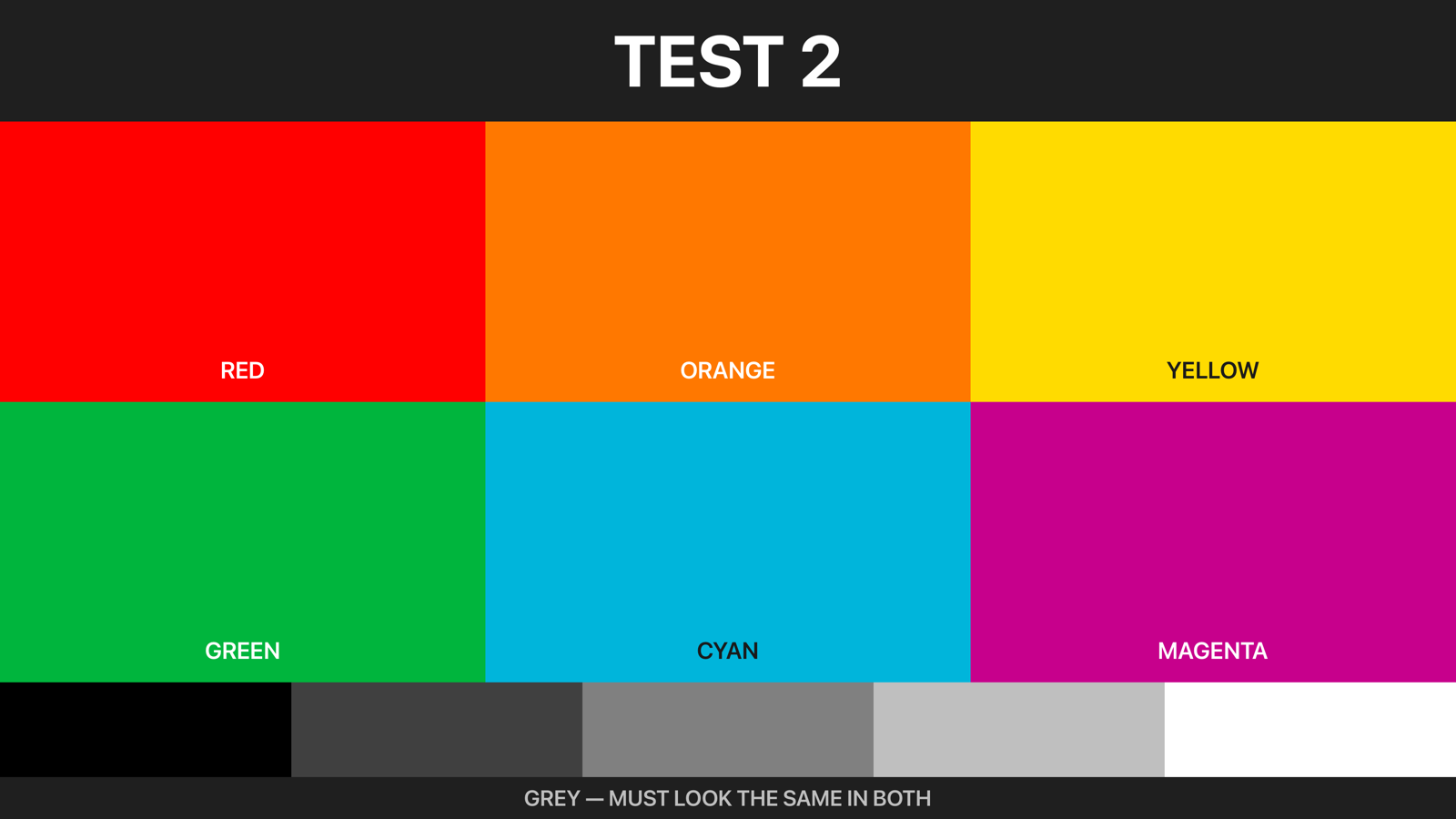
Test pattern, rendered the way the TV renders it.
Two shop windows, four seasons, zero USB sticks
Erik runs a portrait studio with two Frames facing the street. Sunday evening he finishes the spring selection in Lightroom, exports, and drops the series into an album called "Shop left: spring". In Frame Photos on his Mac he picks the left Frame, both TVs are saved with their own names and live status, and presses sync. The new series goes up, the winter set comes down, and the slideshow interval is set in the same pass.
The right Frame is client-facing: an album of recent wedding work that he refreshes after every delivered gallery. Because each Frame keeps its own album, updating one screen never touches the other. The wedding series keeps rotating while the seasonal window changes around it.
Before Mother’s Day he swaps both from his desk: florals and family portraits go left, a bridal series goes right. Two albums, two syncs, a few minutes, and nobody carried a USB stick to the window or re-ordered files on a TV remote.
How it works, honestly: Your Mac (or phone) and the Frames need to be on the same local network. The app connects to each TV directly over WiFi. The first 4 uploads are free, so you can verify the connection and the matte rendering on your exact model years before paying anything.
Up and running in three steps
- 1
Find your TV
Frame Photos finds your Frame on WiFi automatically, no Samsung account, no setup.
- 2
Frame your photo
Select, crop, and customize for landscape or portrait-mounted Frames. Preview the full matte. Auto-convert HEIC, JPEG, PNG.
- 3
Send it
In seconds, your photo appears on your Frame, framed exactly the way you previewed it.
Questions from photographers & creatives
Honest answers, no overpromises.
Can I manage each Frame separately?
Yes. Every Frame is a saved TV with its own name, connection status, and its own synced album, so one screen can carry a seasonal series while another carries client work. Sync is per TV: one button adds new photos, removes outdated ones, and configures that screen’s slideshow. Wake-on-LAN and a built-in remote let you wake and control each Frame without leaving your desk.
Does Frame Photos work on a Mac?
Yes. One Apple purchase covers iPhone, iPad, and Mac, and the Mac app is a full workflow, not a viewer: build albums, edit mattes, and sync to any saved Frame from your desktop. That means you can go from a finished Lightroom export to the shop window without ever routing images through your phone. An Android phone and tablet app is coming to Google Play.
How accurate is the matte preview?
The editor renders the 16 real Samsung matte colors and all 6 mount styles around your actual photo, full-screen, before anything is sent, so the crop, matte color, and mount you approve are what the TV receives. The on-wall result still depends on your Frame’s panel and art-mode picture settings, which is exactly why the first 4 uploads are free: judge it on your own screen first.
Will it work on shop or gallery WiFi with several screens?
Yes, as long as your Mac or phone and the Frames sit on the same local network. The app connects to each TV directly over WiFi. The usual blocker on business networks is guest-network client isolation, which stops devices from seeing each other; put the TVs and your work device on the same non-isolated network and multiple Frames work fine. All model years 2017–2026 are supported and tested, including the legacy 2017–2021 art API.
Your Frame TV is ready for your photos.
Free to try on your own Frame. Your first uploads are on us.


“I bought The Frame to put my own photos on the wall, and the apps I tried made that harder than it should be. So I built Frame Photos for myself first. If it works on my wall, I want it to work on yours.”Siebrand Dijkstra, Maker of Frame Photos